Open folders and email to see what has come in.
SetFN Workflow
Describe the work. See the workflow.
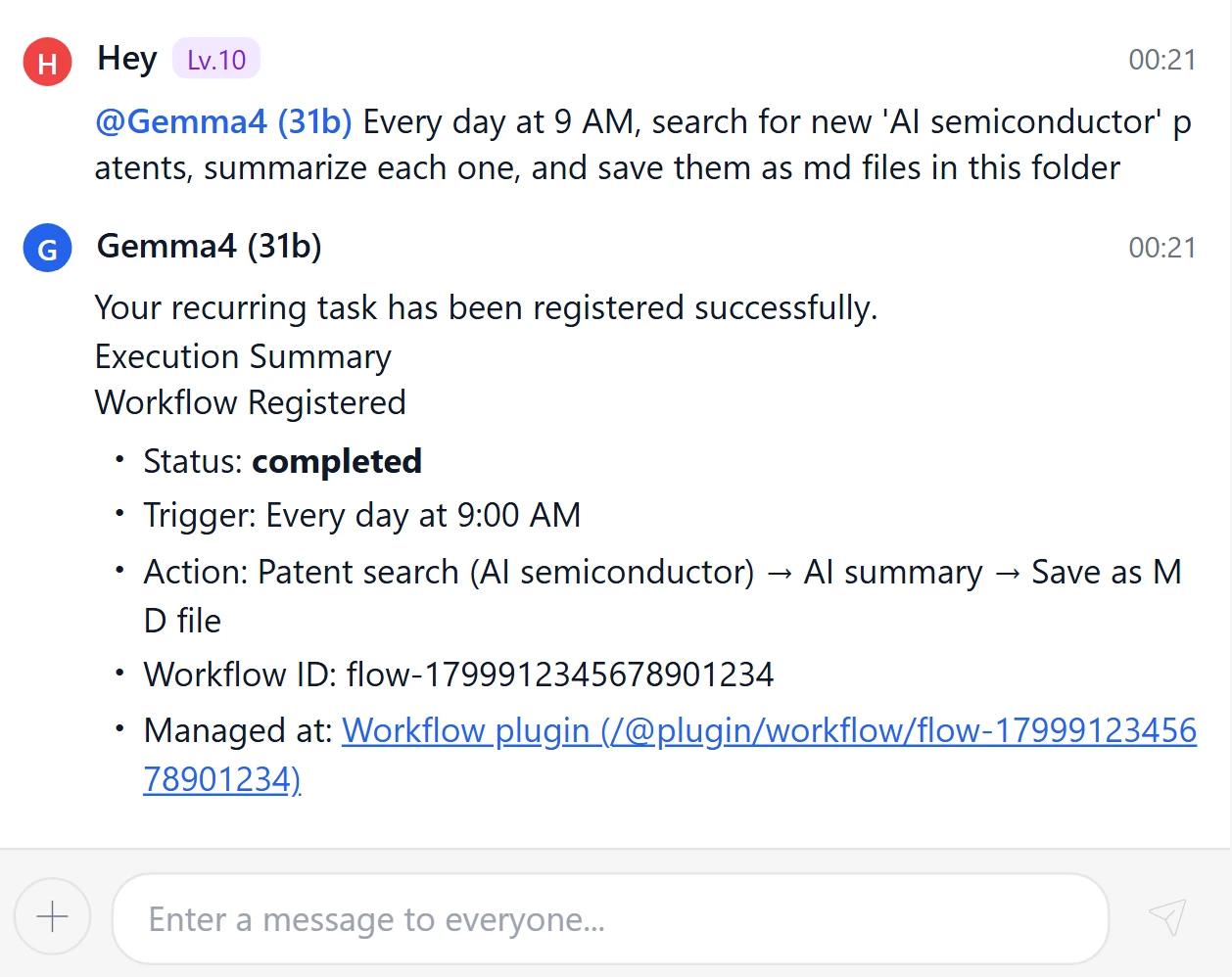
Tell AI what to check when a file arrives, where to save it and who to notify. Review the workflow it drafts, test it, then activate it.
Time spent on repetitive tasks.
What does it add up to in a year?
Estimated annual cost$15,600
2,600 runs Runs per year520 hours Hours per year
What keeps repeating
is the effort to move things along.
A few minutes may seem small. Repeated every day across a team, they can add up to weeks of work.
Sort by customer and task, then copy the details you need.
Resolve missing information and exceptions so the next person can move forward.
Keep the finished files and share them through email or chat.
If the next step only happens when someone remembers to do it,
there’s still work to do before you have an automated team workflow in place.
Before drawing a workflow, describe the work you already do.
SetFN AI Chat is more than a place to search and ask questions. It turns your goal into a draft workflow with triggers and steps, ready for review.
AI prepares the draft. People set the rules.Draft · Validate · Test · Run automatically or with approval
See exactly what your description became.
You don’t have to guess whether AI understood.
Inspect the triggers and steps yourself, then check results and errors in the execution log.
Connect the trigger to file, AI and notification steps, and inspect each block’s settings.
Review the steps that need you.
Let the rest run automatically.
Natural-language drafts and the visual editor use the same validation rules. Run routine tasks directly and add approval requirements to important steps.
AI-generated workflows start as drafts, separate from the live execution environment.
Check for unsupported tools and invalid variable connections before saving.
Test a step and its inputs before handing over the full workflow.
Set limits and responses for failures and long-running tasks.
Allow low-risk work to run automatically, while requiring approval for sending, deleting or changing permissions.
Automation should leave a record too.
- Created byWho built the workflow
- Paused atWhere attention is needed
- Results savedWhat was produced
Setting up automation
shouldn’t become another job.
SetFN Workflow starts with the files, folders, email and chat in your workspace. Reduce the need to upload originals elsewhere, and connect only the AI models and tools your organization allows.
Files and folders Email Chat Calendars
SetFN WorkflowRuns inside your organization’s workspace
Organized files Notifications AI results Execution logs
Connect the tools you already use.
Build workflows across files, email, collaboration tools and external search.
Files and collaboration
- Google Drive

- OneDrive

- Slack

- Microsoft Teams

- Telegram

- Discord

External search
- Naver

- KIPRIS

- Wikipedia

- More connections on the way
We’re continuing to add integrations and search services.
Start with one costly repetitive task.
See how much time you can get back.
What arrives to trigger the work?
Which steps does someone repeat?
Where is human judgment essential?
Which files and chats should receive the results?