Sales
“Where’s the customer’s requirements file?”
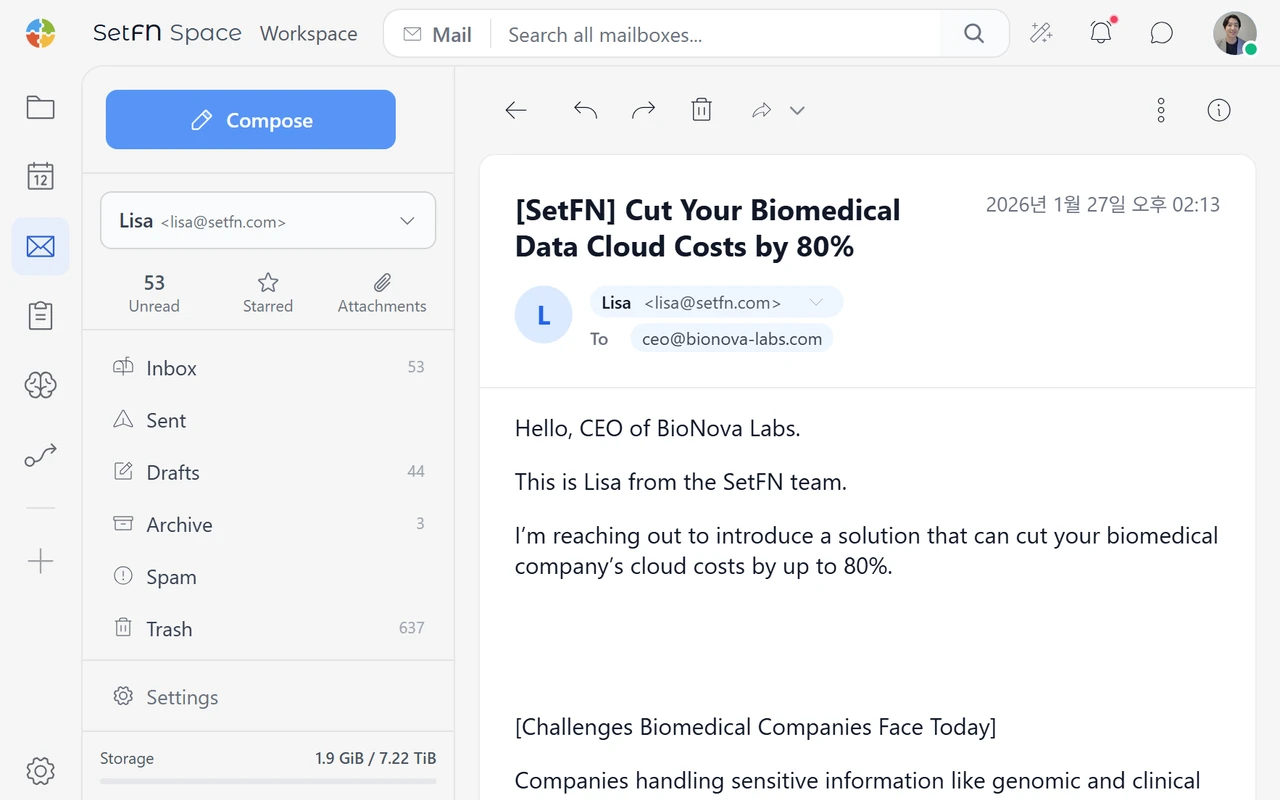
The original attachment is in one email and the follow-up requests are elsewhere. Before replying to the customer, sales has to track down the latest details.
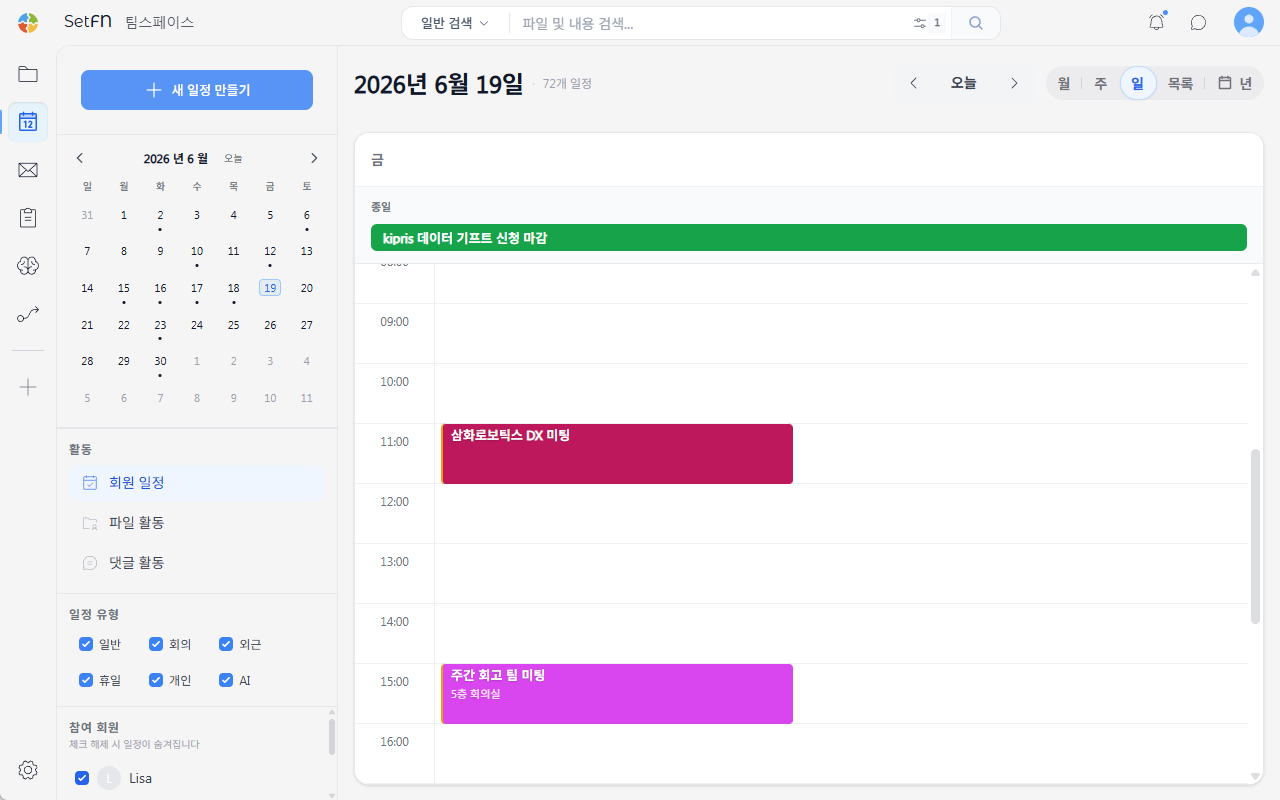
Files may remain, but the reasons behind them—and the reviews and decisions they led to—can be hard to trace. SetFN connects documents, email, calendars and conversations, keeping the process of finding, reviewing and deciding alongside the work.
Customer requests and meeting notes are scattered. Each handoff from sales to planning to development starts with another round of questions.
The original attachment is in one email and the follow-up requests are elsewhere. Before replying to the customer, sales has to track down the latest details.
Customer conversations and meeting notes aren’t linked, so planning has to check with sales again to confirm what’s in scope.
Updated specs and the reasons behind each change are spread across different places. Developers have to ask which version to use before they can start.
What if all this work stayed connected in one place?
Connect files, comments, chat and approvals around the way your company collaborates.
Connect internal files, business email, calendars, web pages and material received through Webhooks or APIs as project knowledge, retaining permissions and sources.
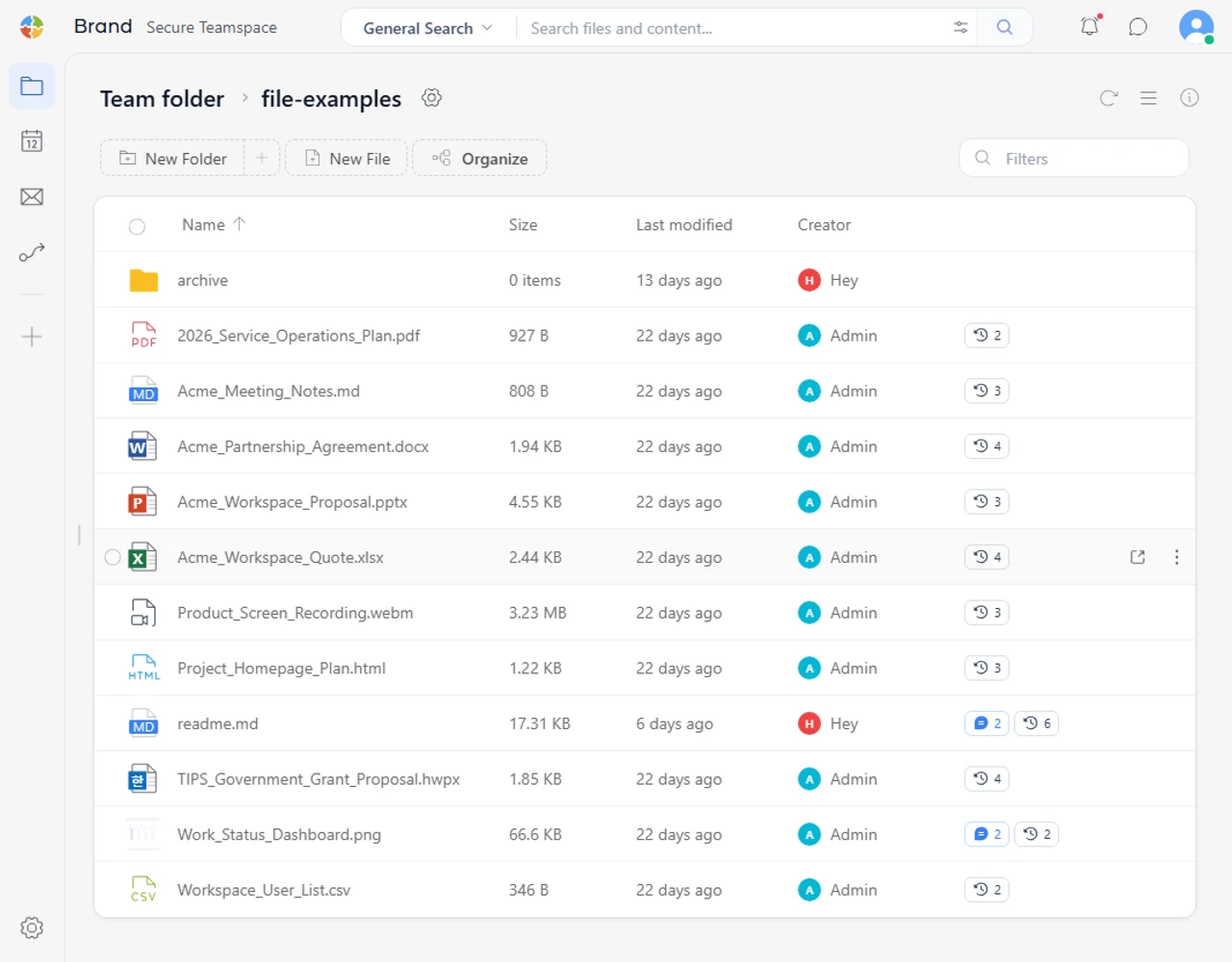
From office documents to factory and construction records, keep review and follow-up connected to where the work happens.
Process data while retaining permissions and sources
| Field | Before | SetFN Workspace |
|---|---|---|
| Sales and customer support | Search email, customer folders and earlier proposals separately to find similar cases and check the terms offered. | Search customer files, proposals, delivered files and interaction records together, then connect the follow-up work. |
| Field operations and safety | Photos go through messaging, checklists travel separately, and office staff reorganize everything by site and date. | Upload photos and scans to site folders, make their contents searchable with OCR, and connect checks and actions through file comments and mentions. |
| Corporate services and legal | Find the policy file, check that it is current, then read the relevant clauses before drafting a reply. | Search only the permitted policies and guidance, and show relevant clauses alongside the original document and its location. |
| Production engineering and equipment | Find inspection reports, raw data and maintenance logs across storage locations, then match dates and equipment and check changes. | Connect originals and reports by line, equipment and period. Keep reviews in comments and version history, and extend recurring intake with sorting and notifications. |
| Planning and marketing | Open public material, internal documents and old proposals one by one and compare their wording manually. | Search the existing website, company profile, product documents and proposals together, then identify what to retain or revise with sources attached. |
| Research and quality | Find materials, feedback and approved versions separately, then match dates and people to piece the process back together. | Connect project material, comments, reviews and approvals, with extensions for data entry rules, validation and audit procedures where needed. |
| Records and administration | Open PDFs and images individually, rename files or re-enter key information into a separate list. | Process scanned PDFs and images with OCR and document conversion, keeping originals with extracted content. Add folder rules and AI summaries where useful. |
New documents enter the knowledge index so they can be found right away.
When you also need consistent writing styles and decision patterns, extend with fine-tuning.
Keep the context moving forward, instead of moving between tools.
Manage policies for people, data, AI, security and systems together.
Files, conversations and review records build up within the same project context.
Process collected, unstructured information with repeatable rules.
Use RAG for current knowledge and fine-tuning for patterns specific to your organization.
Connect reviews with team conversations, then add plugins for the work that follows.
Use the admin interface to manage users and teams, file processing scope, AI models, access logs and service health.
Users · Teams · Roles · File permissions
Included paths · Processing rules · Indexing
Local and external models · Vision-language models · Embeddings
Security · Access · Disks · Service health
Add business email, calendars, data collection and automation through plugins.
Keep your existing setup and introduce the tools each project needs at your own pace.
Connect file intake, conversion, classification and notifications
Bring messages and calendar events into the project’s context
Manage structured data entry, reviews and audit records
Manage datasets, fine-tuning runs and the resulting models
Compare users, document volume, storage, AI processing location and operational resources to define the right scope for your organization.
Keep sensitive files, indexes and AI processing on your organization’s infrastructure.
What to checkCompare deployment, operations, storage and AI compute costs alongside account fees.
What to checkPlan for large PDFs, images, videos and version histories, including how quickly storage needs will grow.
What to checkUse representative documents and actual hardware to assess OCR, vision-language processing, summaries and throughput.
What to checkReview how workspace tools, knowledge search, automation and model training could fit your existing files and actual work.