
Bring your files and people together.
Build more than a server.
Find what you need, share it with others and put it to work, all in one place.
SetFN SpaceBuilder is a workspace you install on your own computer or server.
Keep work moving, from everyday collaboration and routine automation to sharing your work on the web.
Workspace
From opening and editing files to comments, chat, search and access control — all connected in one place.
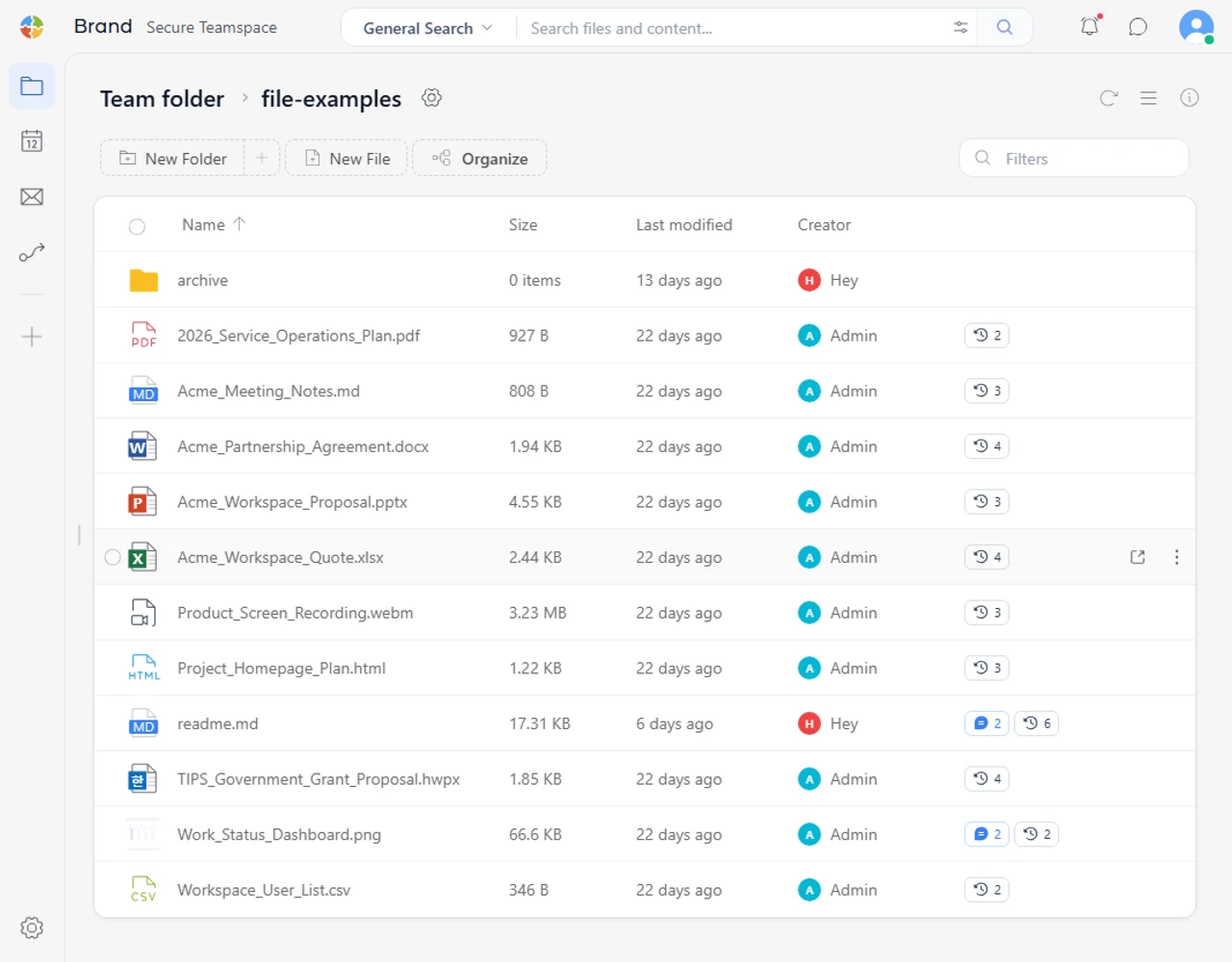
Bring your files together
Organize your work in one place with familiar files and folders.
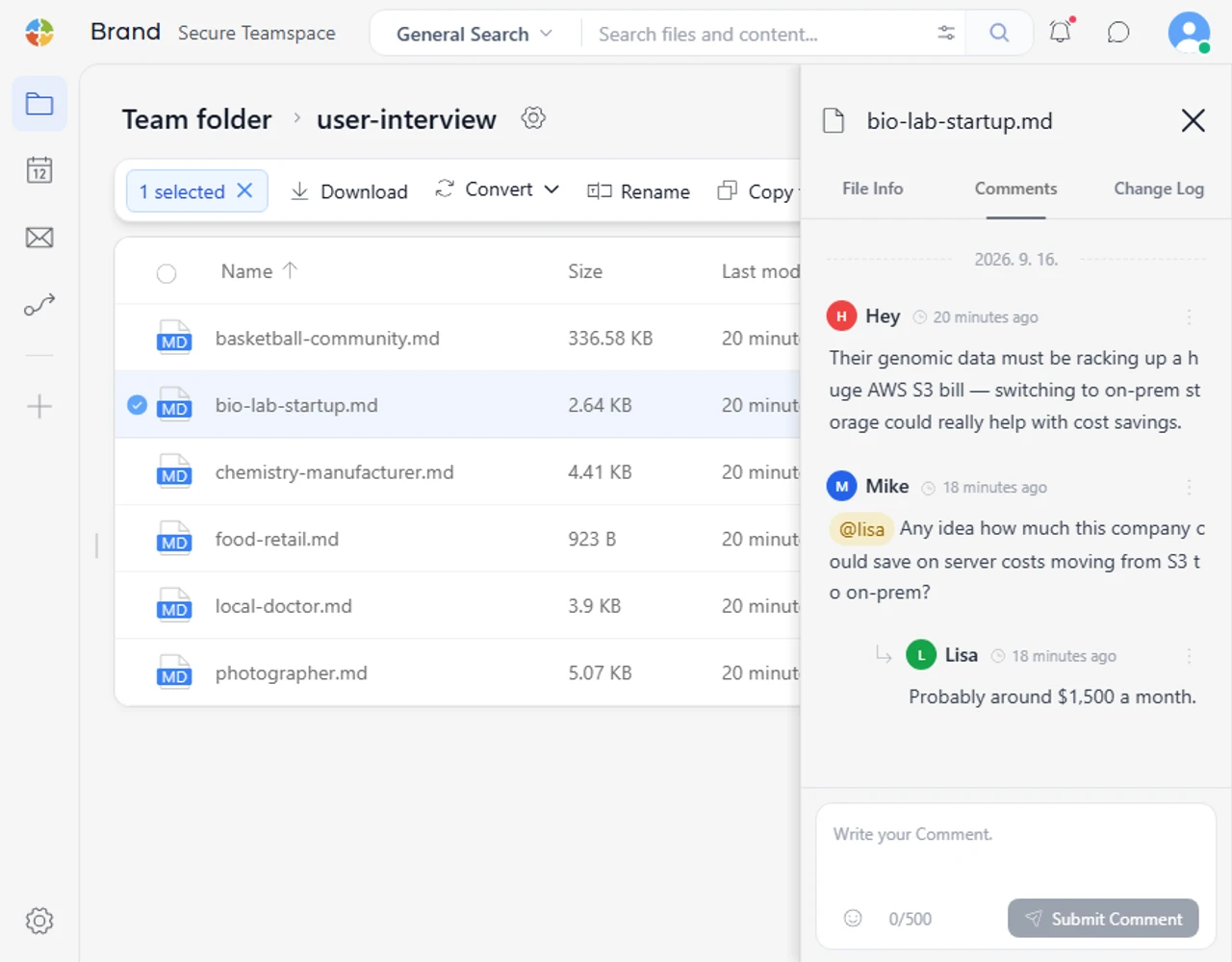
Review them together
Keep the conversation going with comments, chat and mentions while you review a file.
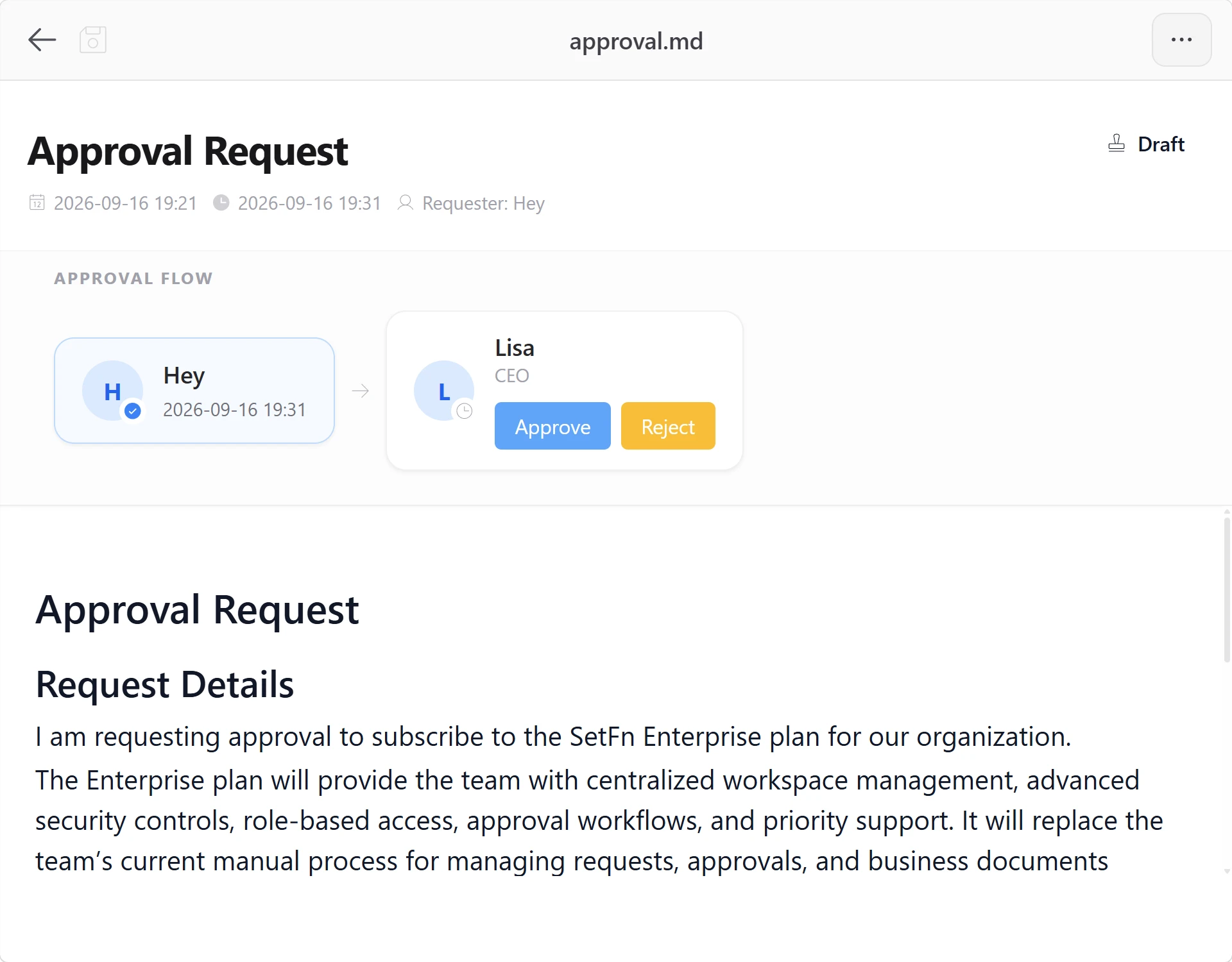
Move work forward
Start approvals, share files, send notifications and run recurring tasks without leaving your workspace.
AI assistant
Find the original sources behind an answer, then take action, such as organizing files or sending notifications, within your permissions. Review both the results and the evidence yourself.
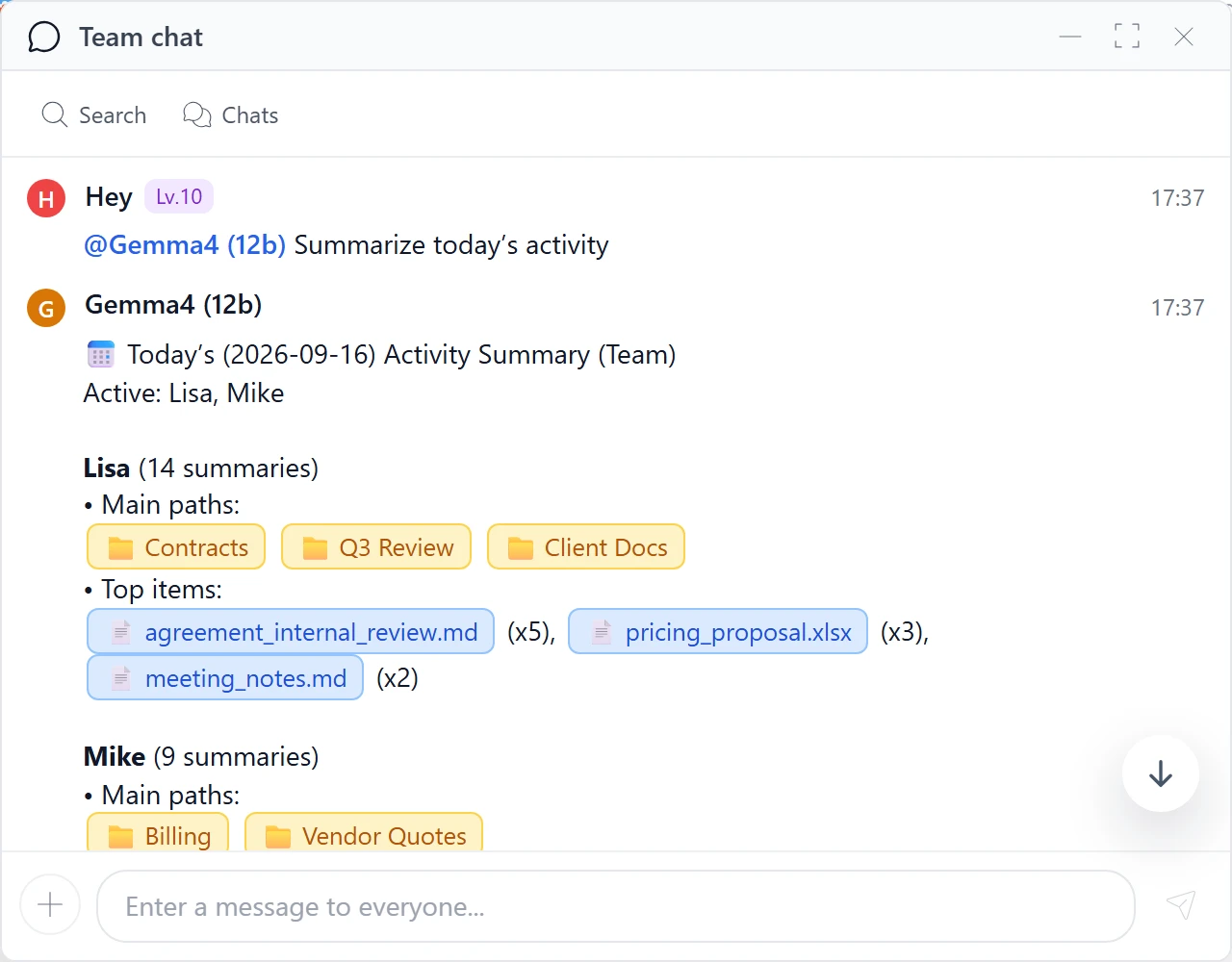
Catch up at a glance
Get a concise recap of recent work and what needs your attention, based on file activity and comments.
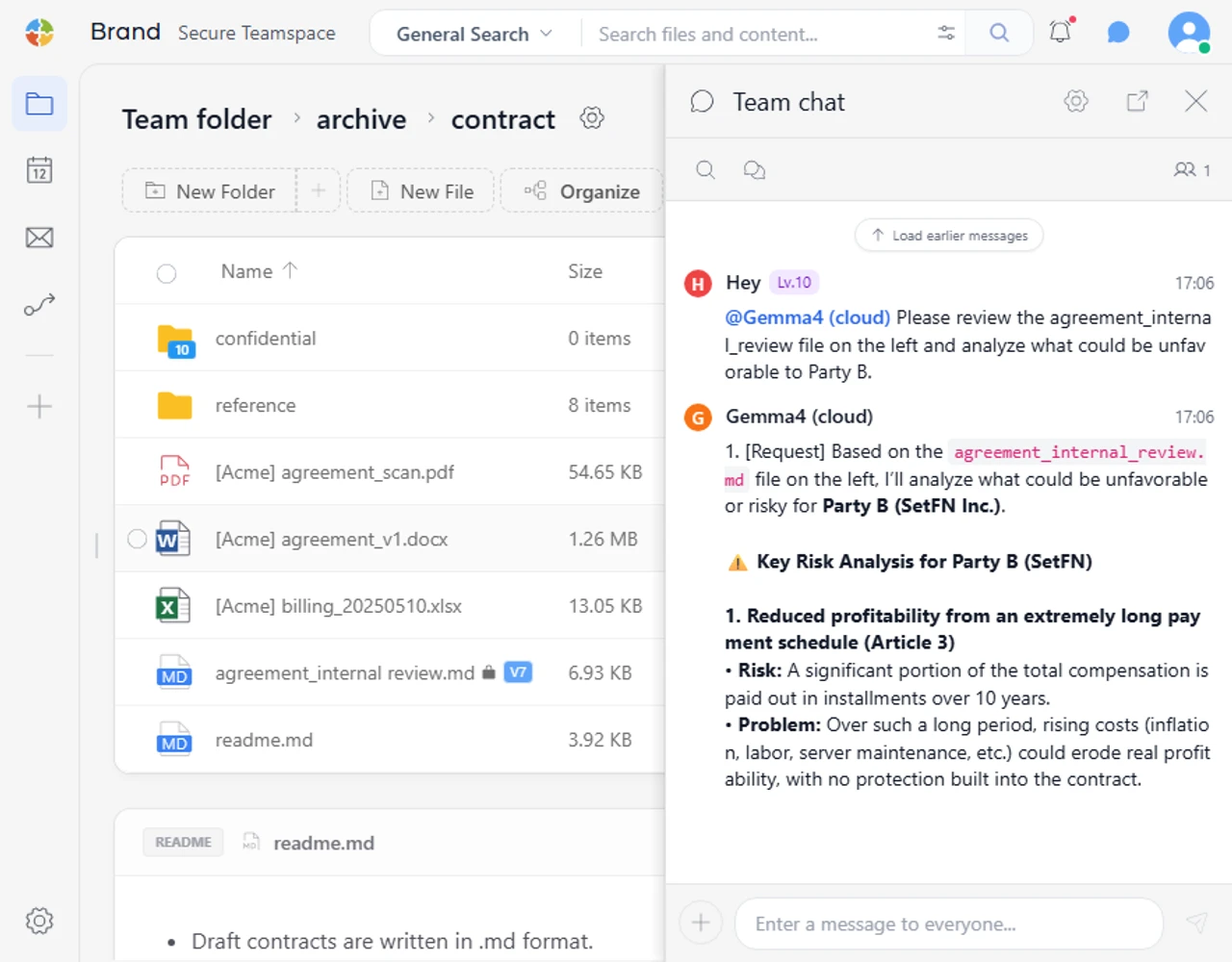
Analyze files where they are
Ask AI to analyze and organize information in the context of your current folder, without moving your files elsewhere.
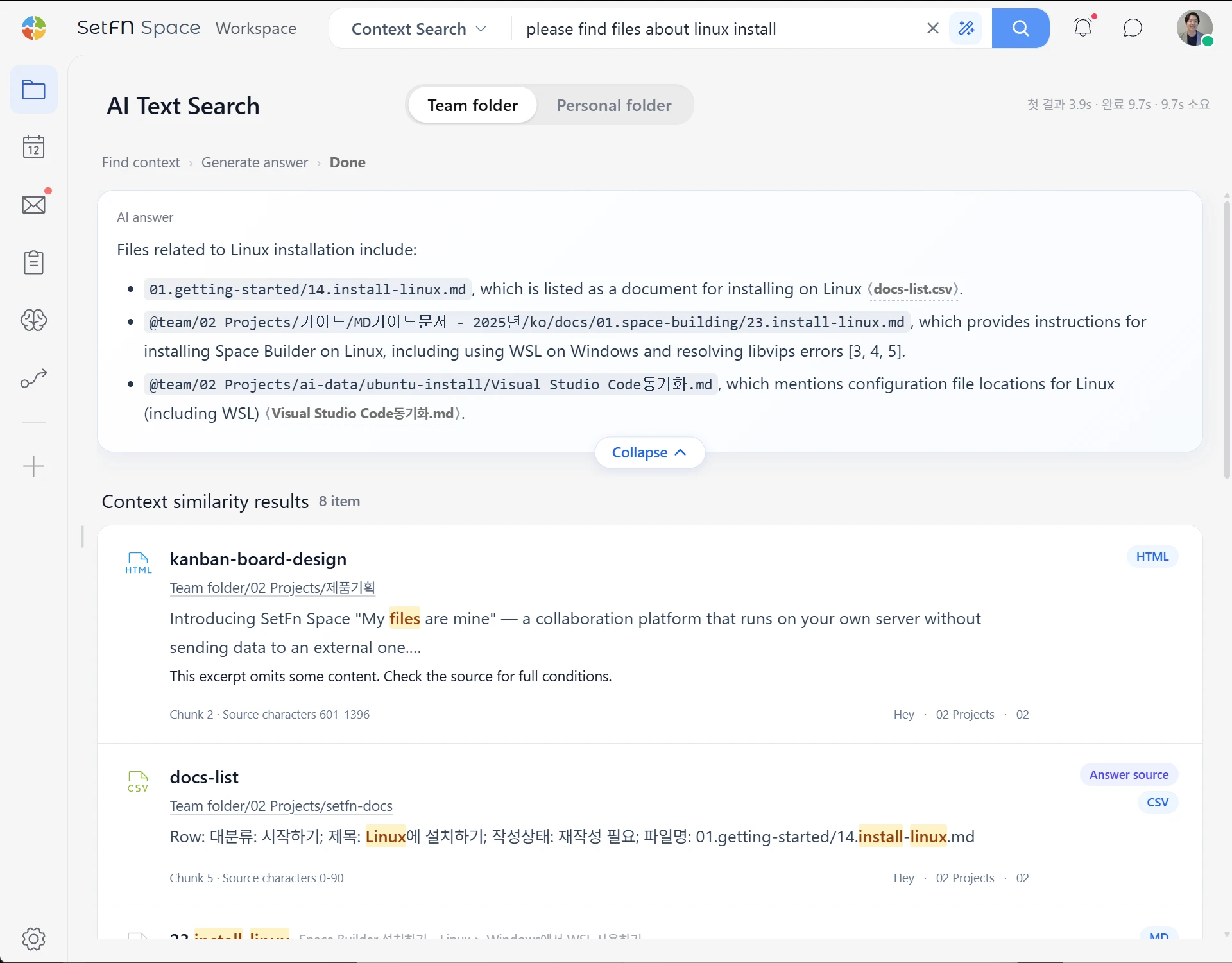
Search that knows your work
Search file names, contents, emails and comments together to find relevant material and the sources behind it.
Mail & calendar
Bring mail and calendars into the flow of your team's files and work.
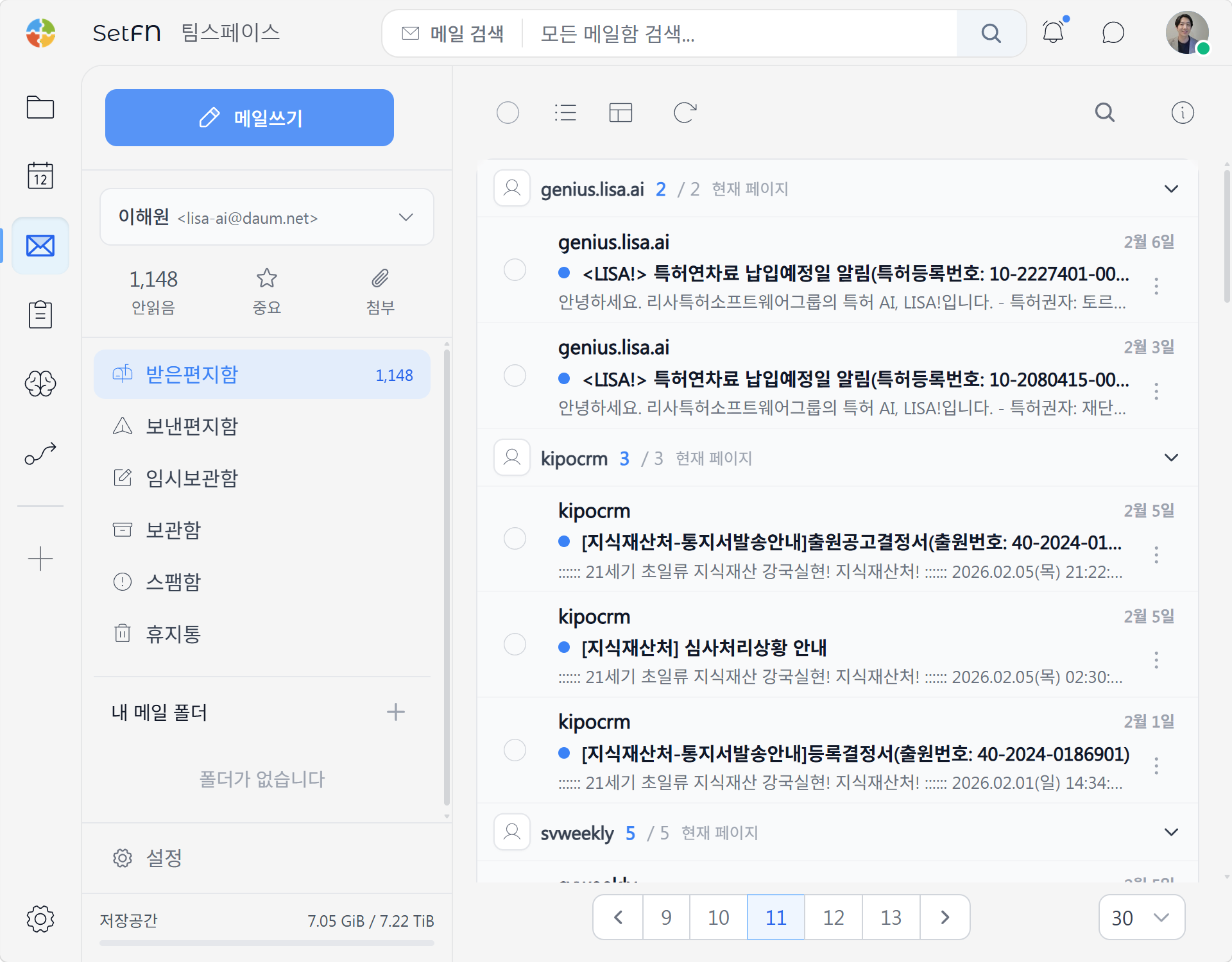
Email, stored as files
Store email as files for each user, keeping inboxes and messages accessible only to authorized users.
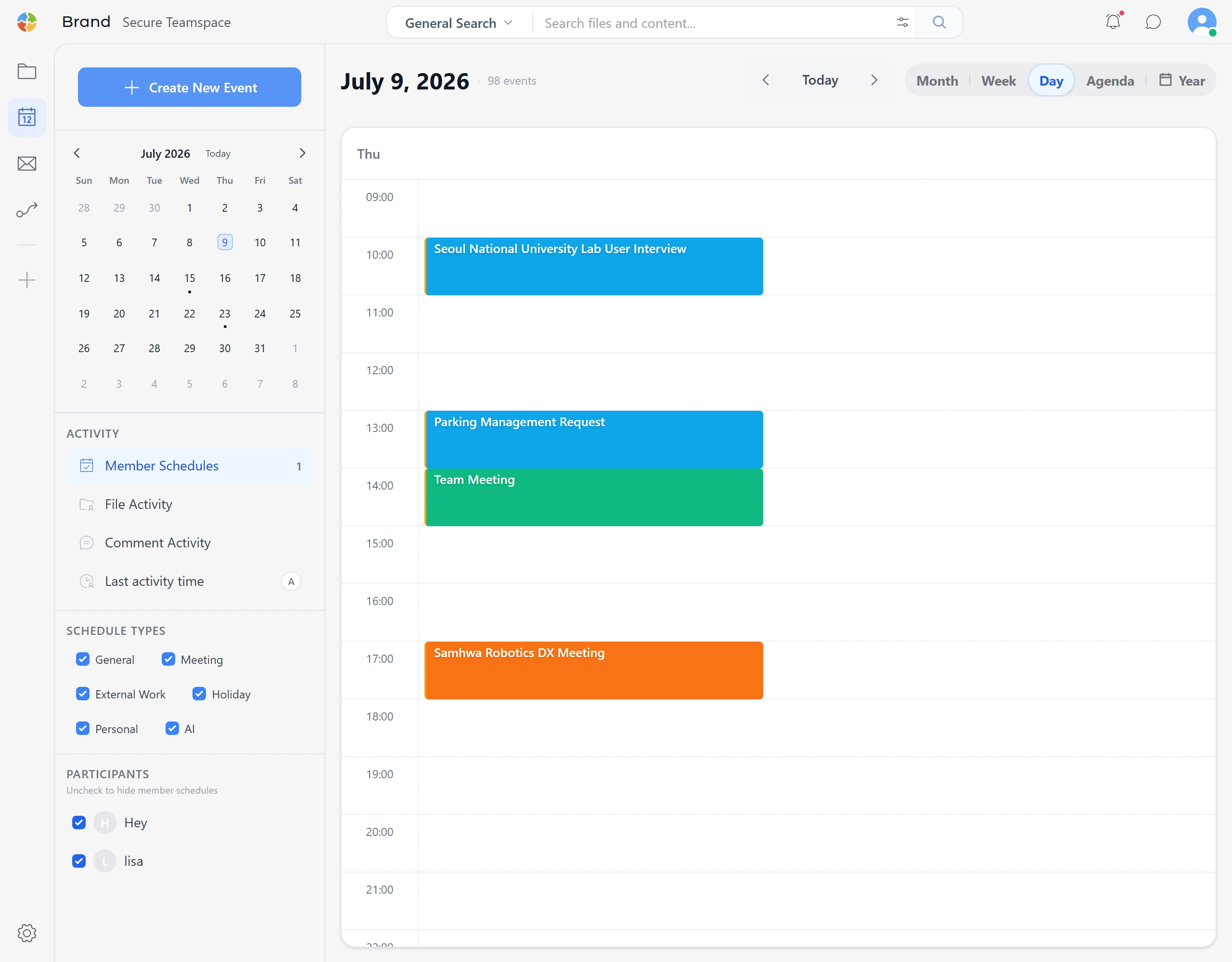
See events and activity together
See personal and team events alongside file activity and comments.
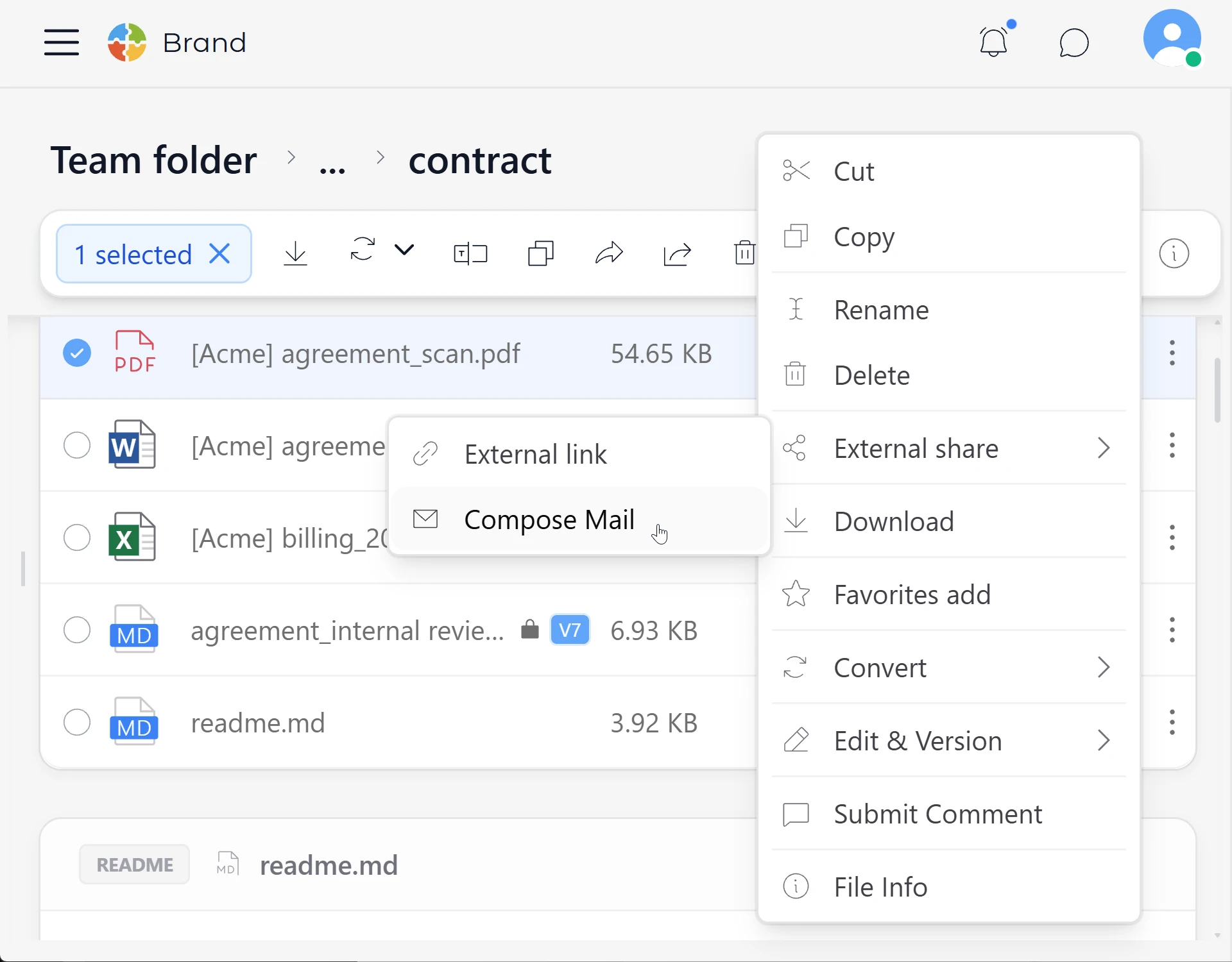
Keep everything connected
Connect email attachments and calendar links to the relevant workspace files.
Plugins & extensions
Start small, then add mail, workflows, EDC, AI and other capabilities through plugins that fit the way your organization works.
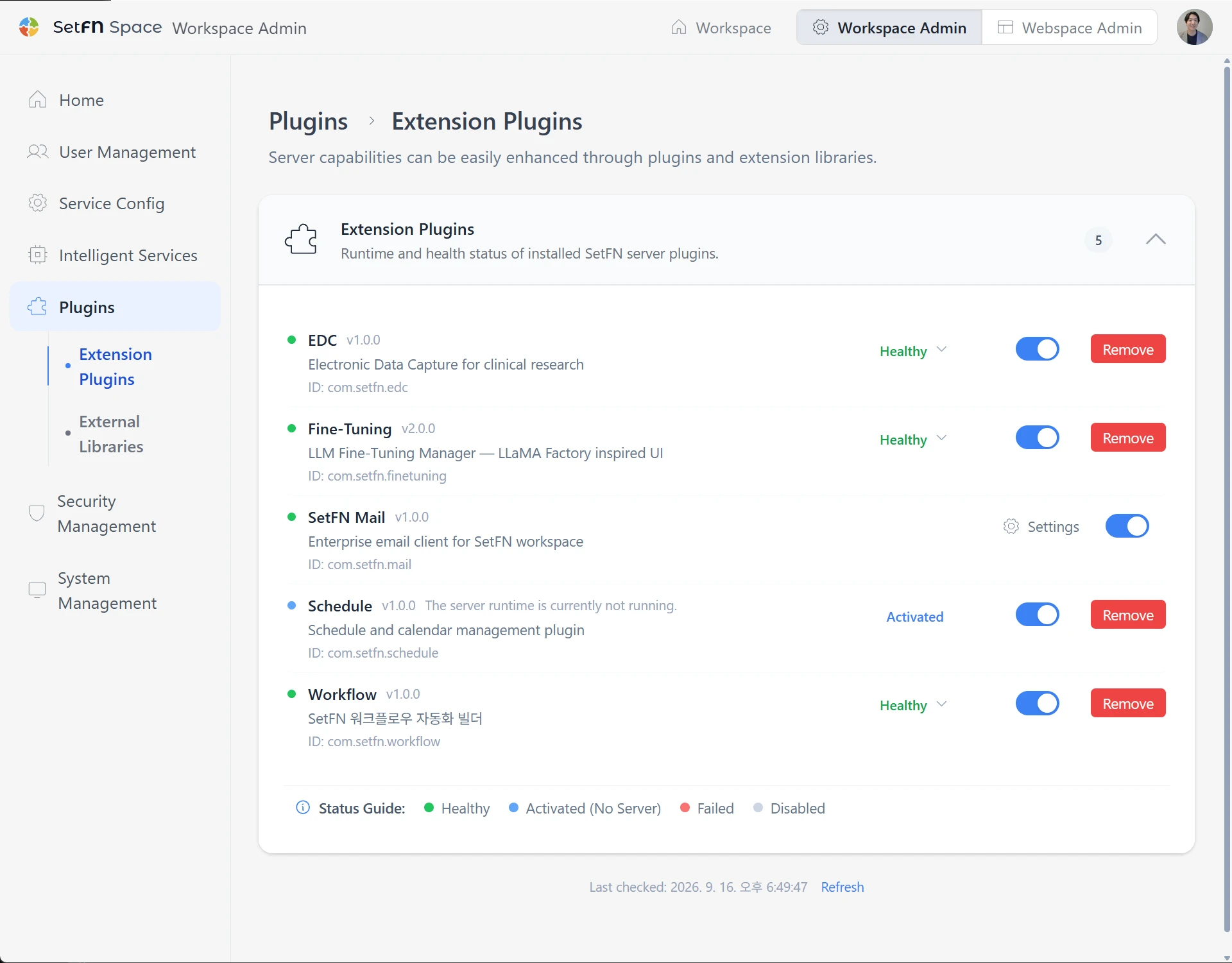
Built to grow with you
Choose and install the capabilities you need, then expand as your setup evolves.
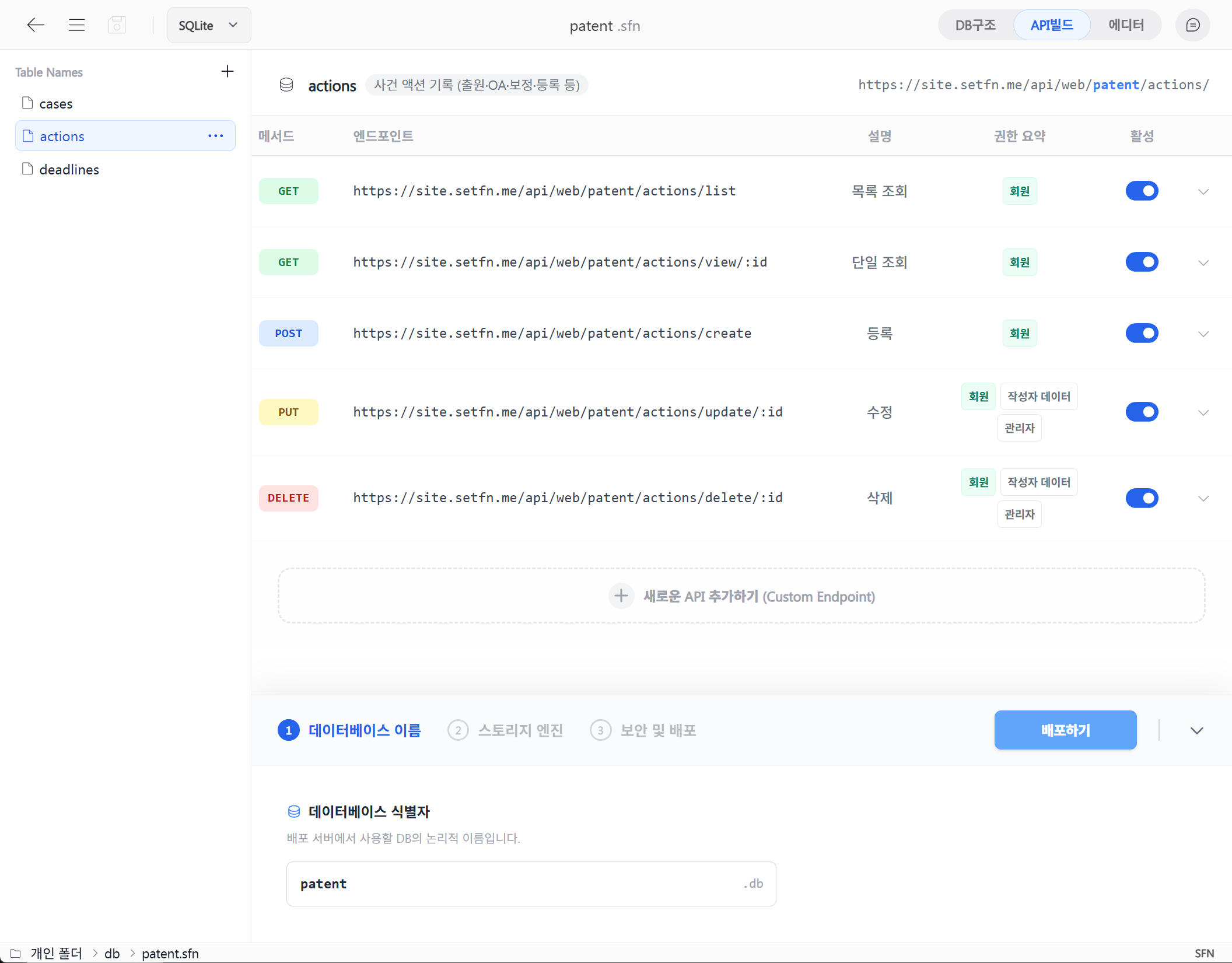
Your APIs. Your infrastructure.
Connect data, interfaces and internal APIs in your own environment to build services for your organization.
Webspace
Open a folder as a web interface, then deploy it as a standalone service when you're ready.
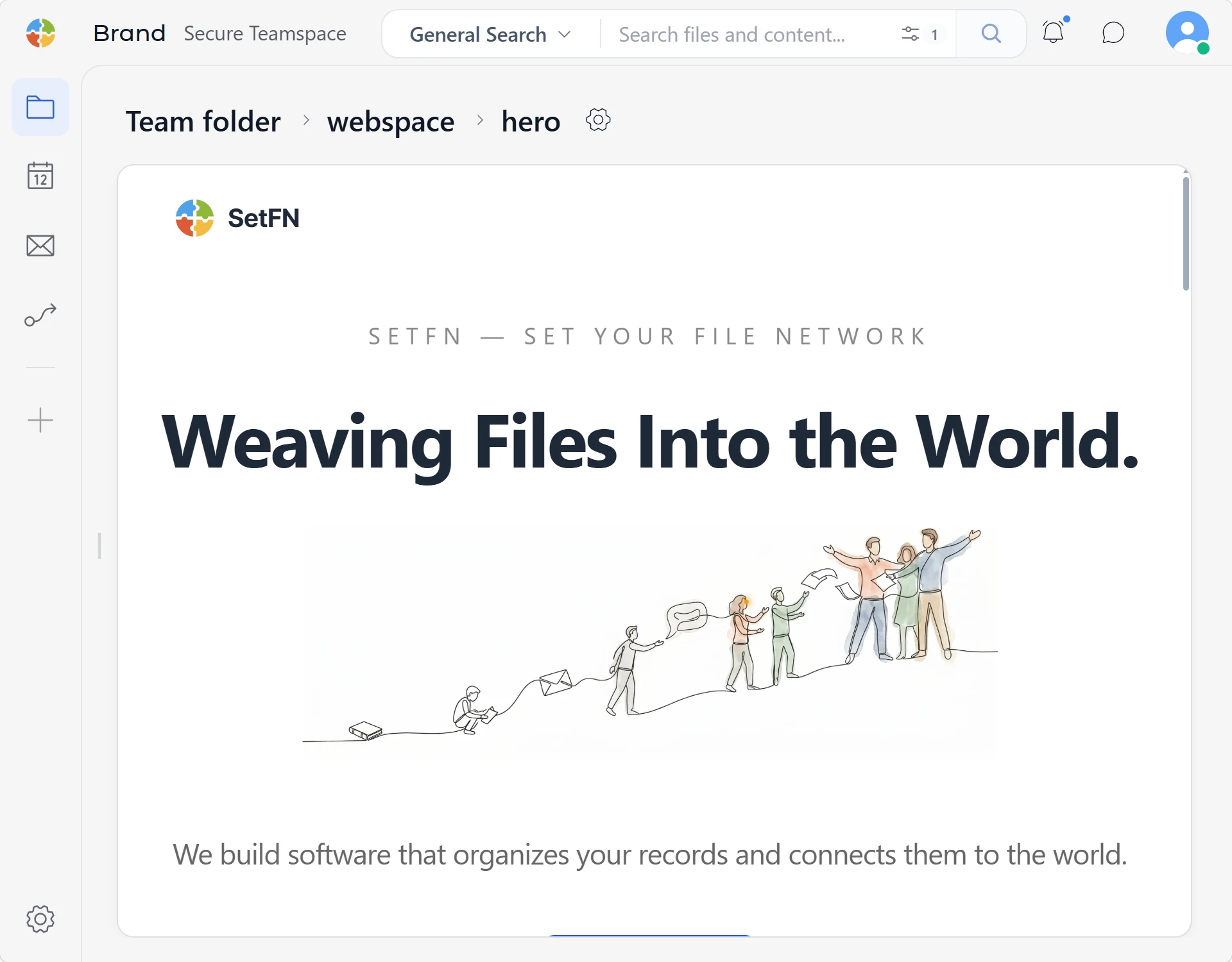
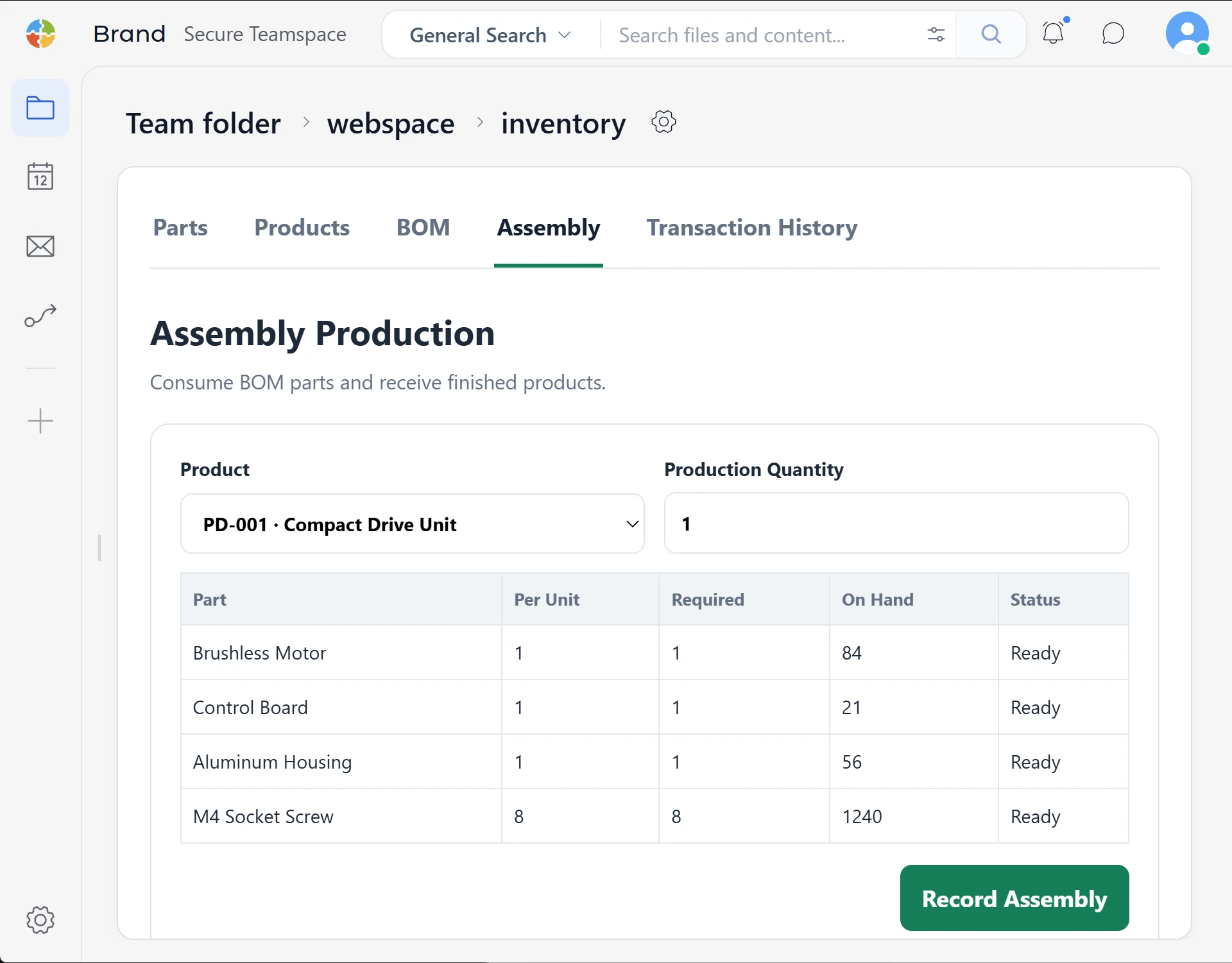
From HTML projects to internal apps
From folder to working app
Set a folder to web view and open it directly as an HTML page or business app.
🔒 careers.brightworks.setfn.me
LIVEReleases · Active versions · Dedicated URLs
Release it. Run it independently.
Publish a reviewed release, choose the active version and run it at its own URL.
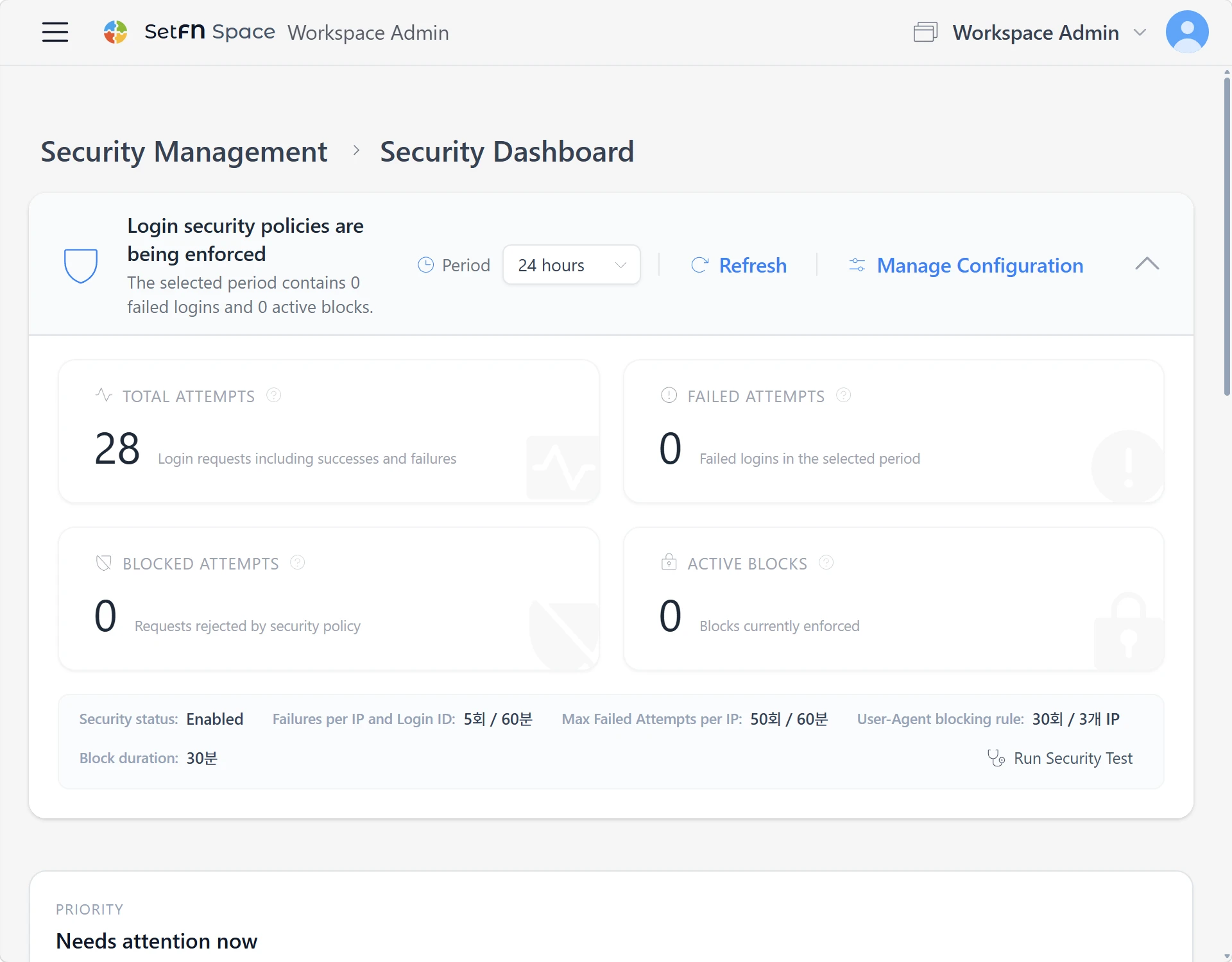
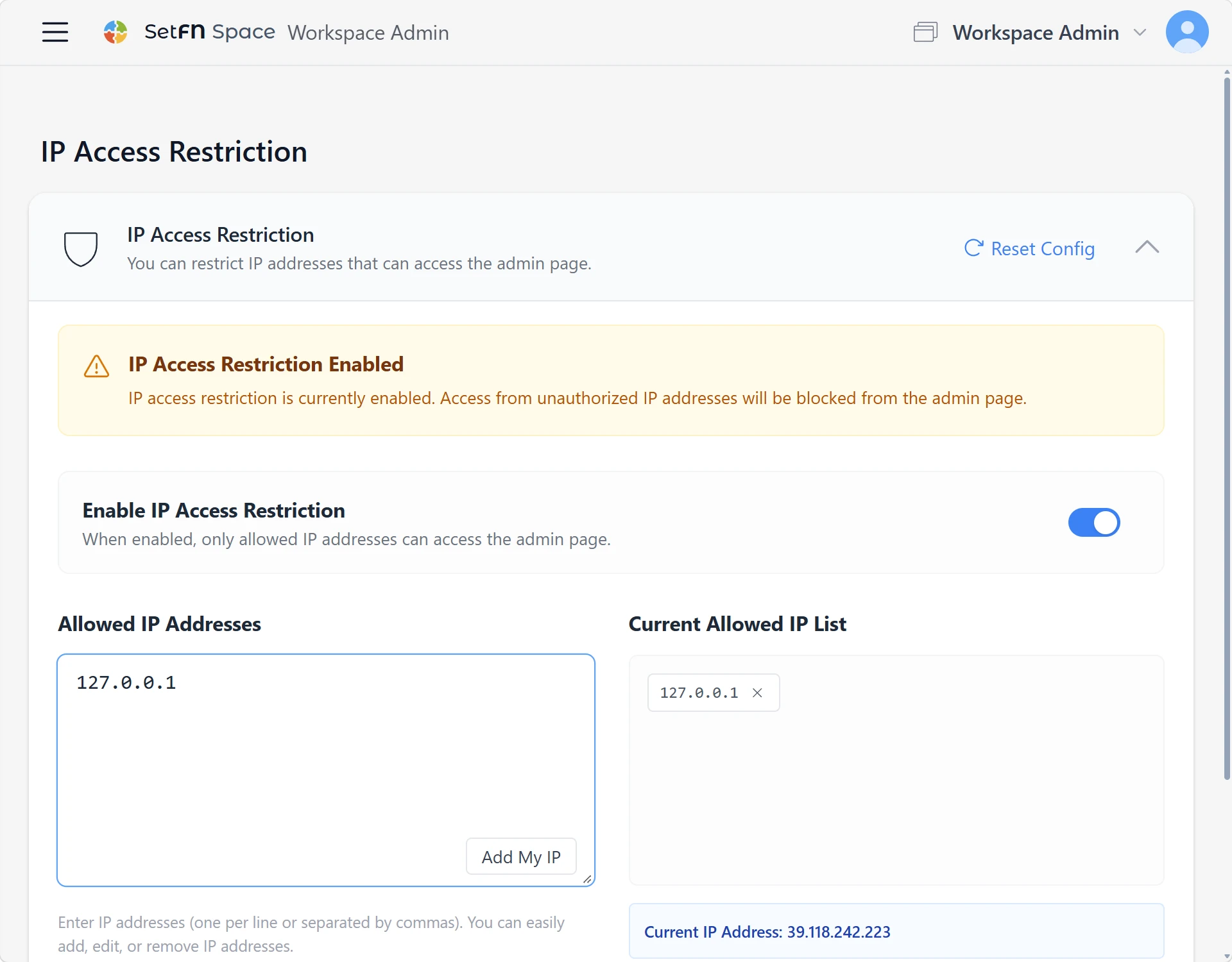
Automatic blocking & IP allowlists
Stay in control of access
Automatically block abnormal requests and configure exceptions for trusted IP addresses.